Most organizations don't have a document problem. They have a document chaos problem. Files saved in personal drives, duplicate versions with no clear winner, sensitive contracts accessible to the entire company — these aren't edge cases. They're daily realities that drain productivity, introduce compliance risk, and slow teams down at exactly the moments that matter most.
Foxit Document Management System (DMS) was built to fix that.
Foxit Software is committed to building secure, reliable, and trustworthy products through a mature and continuously improving Secure Software Development Lifecycle (S-SDLC). Security and privacy are integrated into every stage of product development and operations, rather than treated as an afterth
This user manual covers all features included in Foxit PDF Editor Subscription Release and Foxit PDF Editor Perpetual Release, hereafter named Foxit PDF Editor. For information on the deployment of Foxit PDF Editor in an enterprise environment, please refer to Foxit PDF Editor Deployment and Configuration.
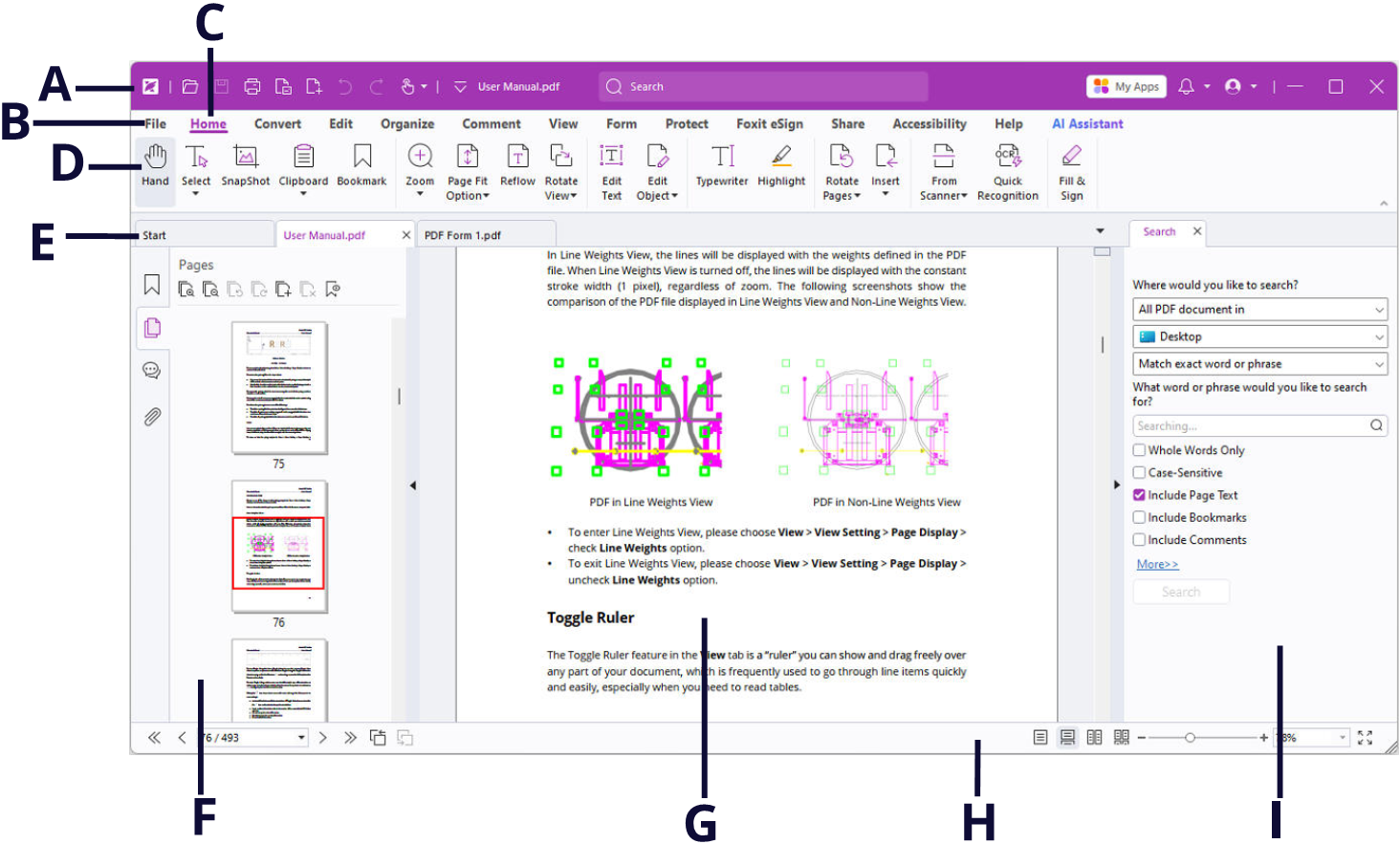
Foxit has integrated the collective commands in the ribbon interface and created a new way of working, namely Ribbon Mode. Ribbon Mode is developed based on Microsoft Office 2013 (Office 15) to provide you with a familiar and intuitive user experience. In this mode, commands are arranged by groups and tasks.
Default Signing Format: Choose a default signing format based on PKCS#7 or CAdES standard. PKCS #7 - Detached is selected by default.
Appearance Styles: Manage the signature appearance templates.
Signing & Verifications
Sign the document immediately after the signature is placed: Check this option to sign the document immediately when you place the signature on the document. By default, this option is checked.